Stream Sage
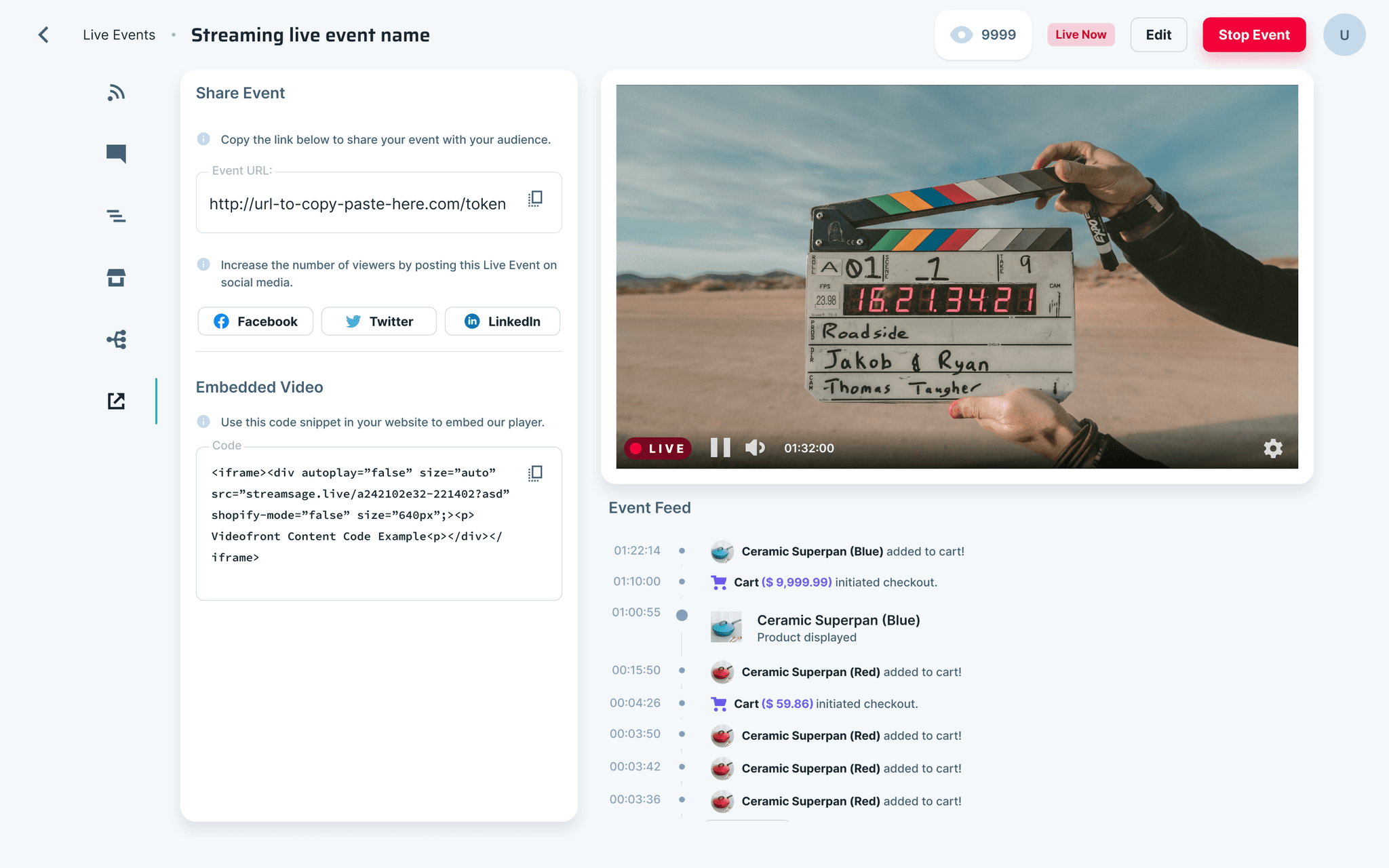
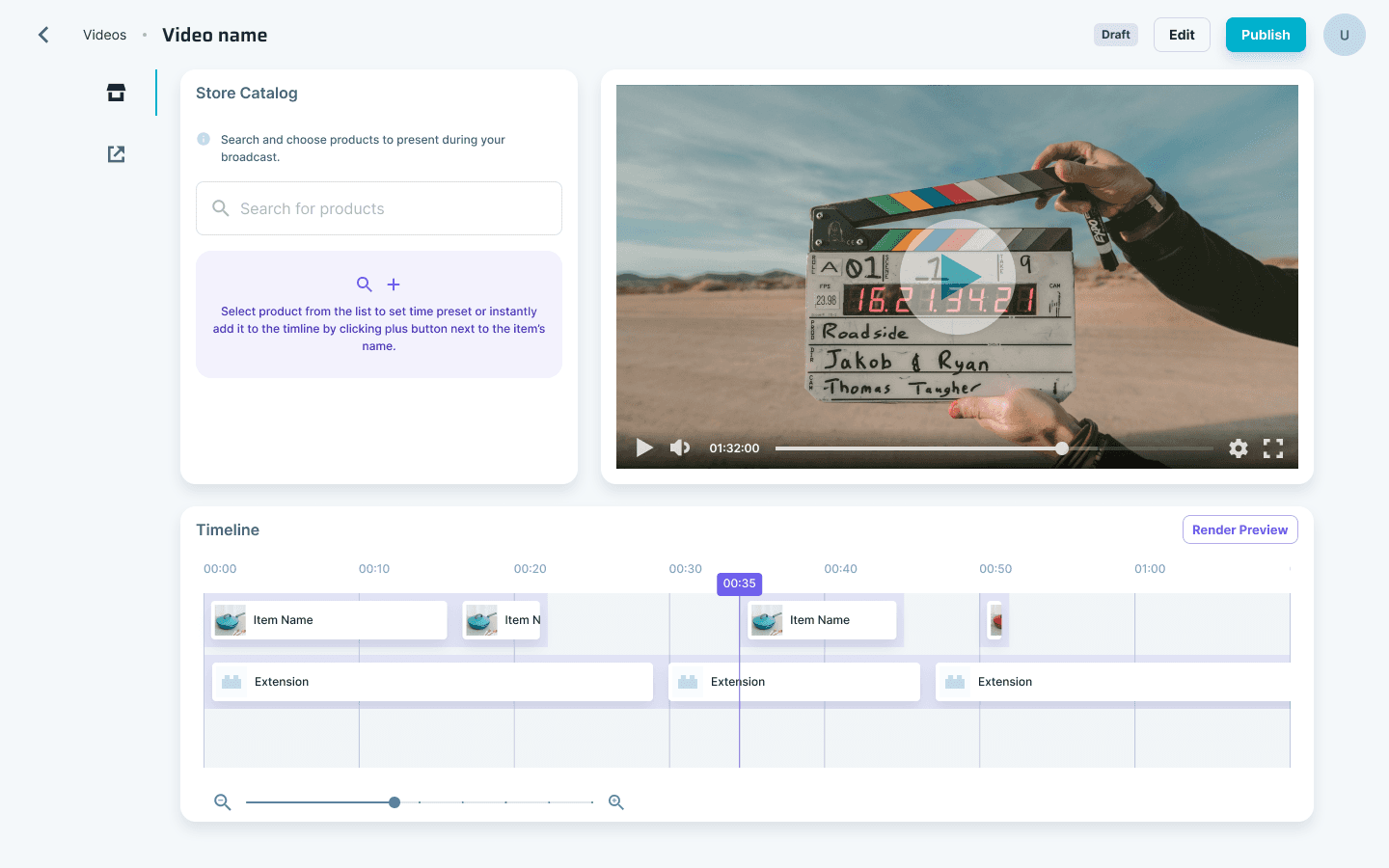
Stream Sage is an all-in-one solution for making livestreams, videos, and blog posts shoppable.
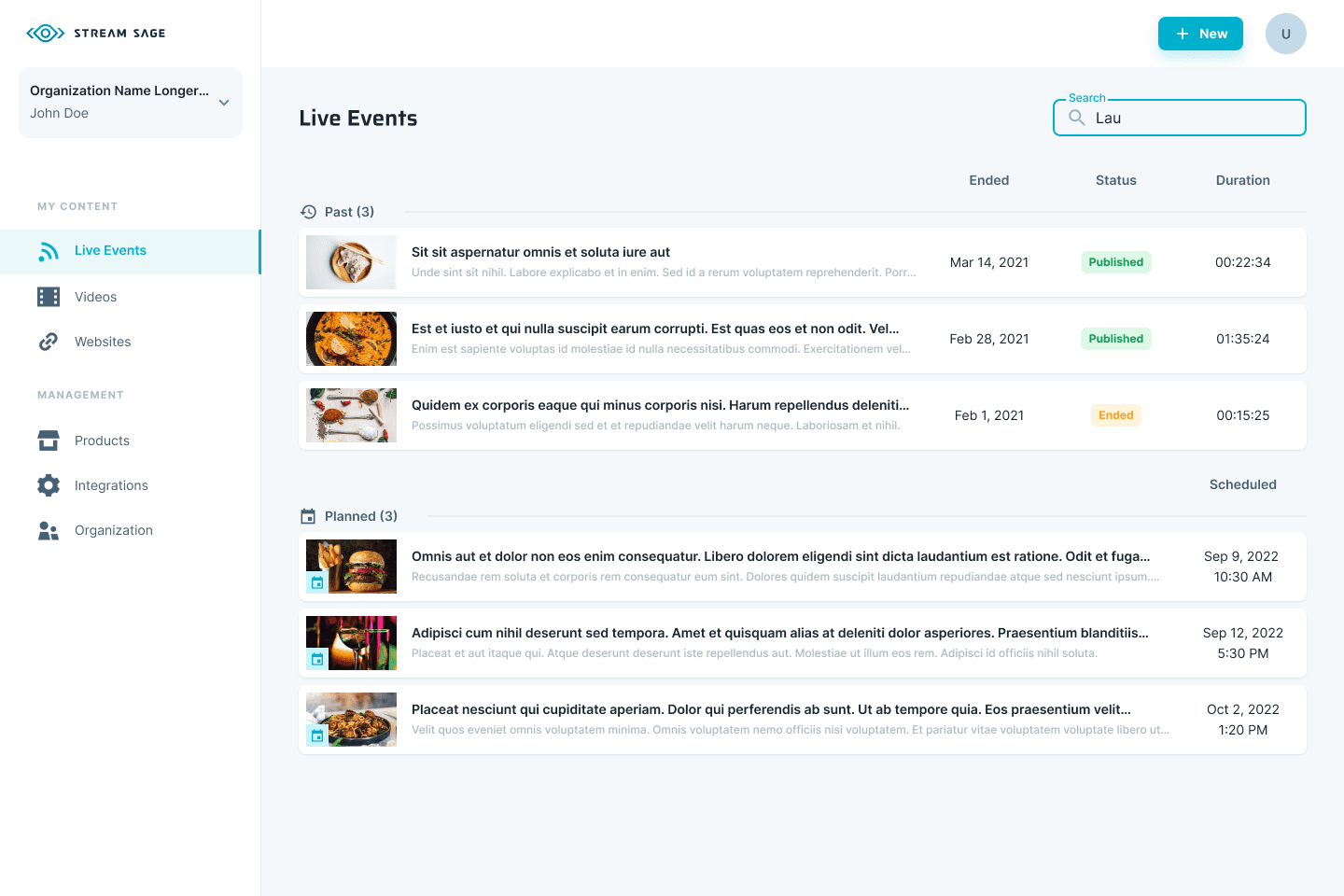
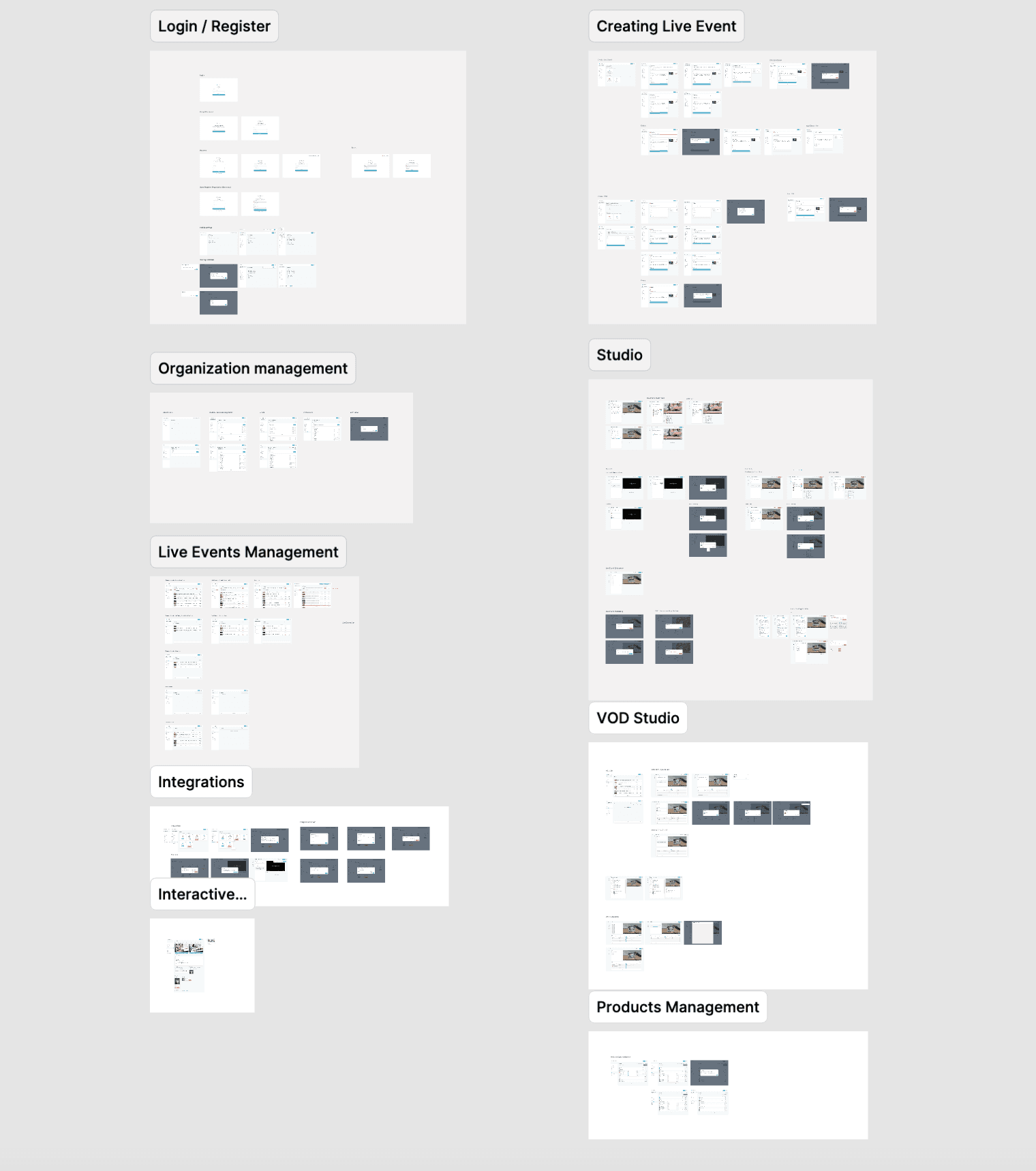
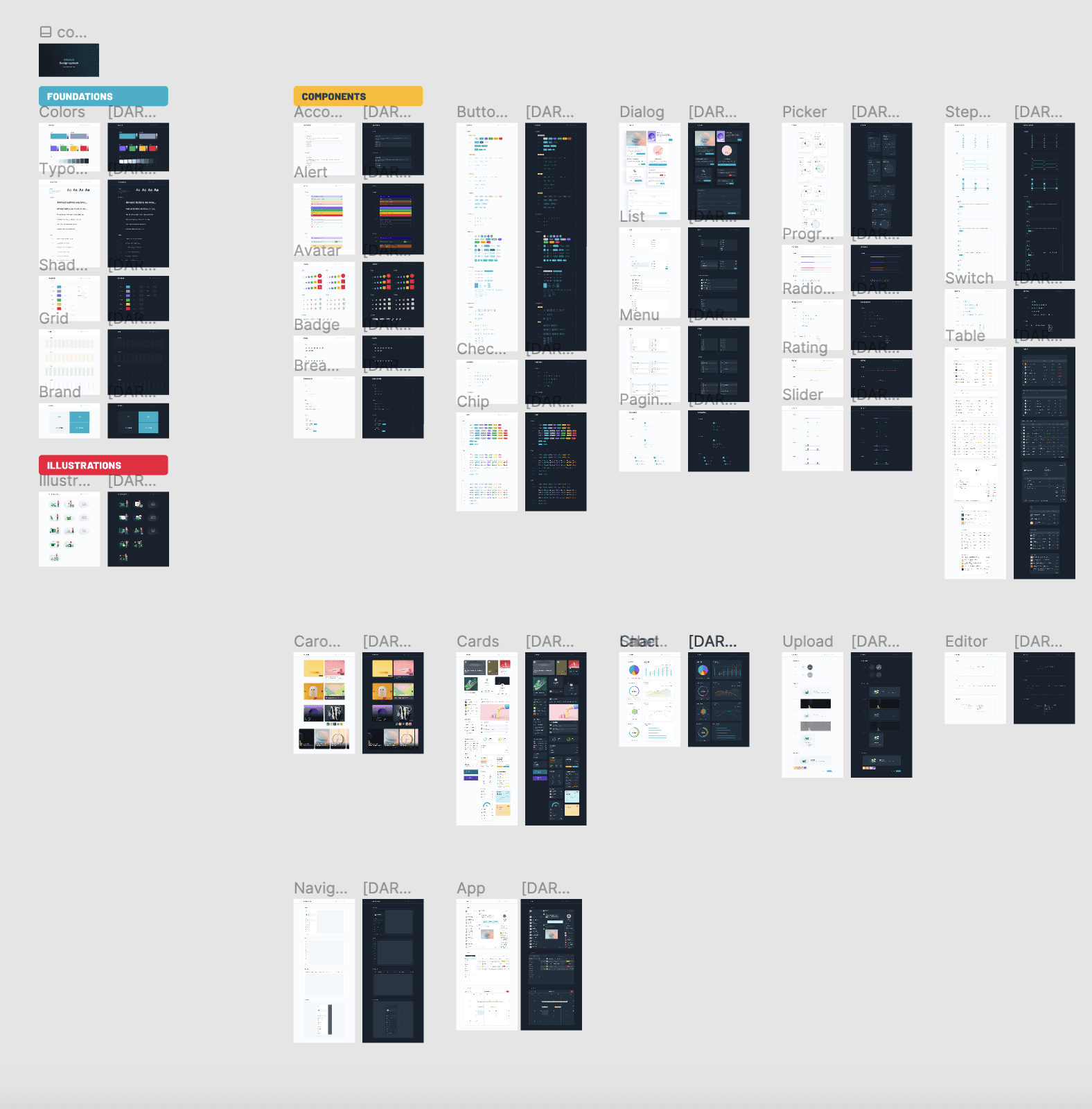
One of four people shaping product direction. Led the UX design department, facilitated workshops, interviewed users and clients, and designed UI components. Collaborated with the team throughout the software development process in a Scrum environment.
Company website ↗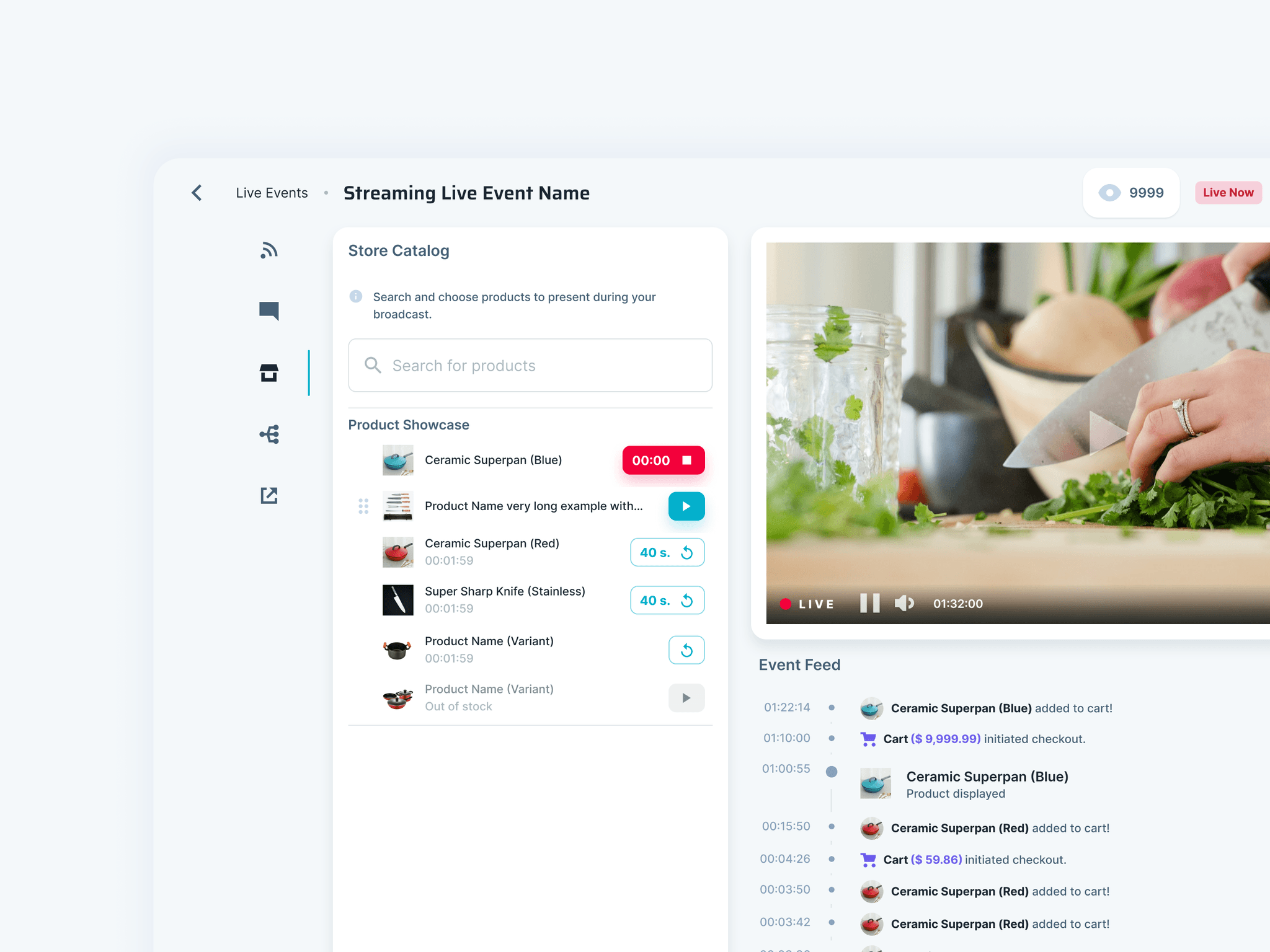
Background
As a product designer, my role involves tailoring design solutions to precisely meet user requirements. By gathering insights through community feedback and observing their interactions with our services, we refine the trajectory for our project developments.
Our team, dedicated to advancement, conducts thorough market and competitive analyses to inform our solution implementation strategies. To validate our approaches, we employ diverse verification methods, including data analysis, A/B testing, and direct dialogues with users.
Responsibilities
Centralization of Existing Information
Aggregating market research and reports, compiling customer feedback, analyzing analytical data, documenting design and technical specifications, and creating a knowledge base.
Benchmarking and Usability Analysis
Benchmarking and usability analysis involve comparing a product’s performance and user experience metrics against industry standards or competitors to identify areas for improvement and ensure it meets user needs.
Developing the logic and flow of the selected solution
Outlining and structuring how the solution will function and how users will interact with it, ensuring a coherent and intuitive user experience.
Validating Solutions Against User Needs
Assessing and testing the implemented changes to ensure they effectively address user requirements and improve the overall user experience.
Joint Review with the QA Team
A collaborative review of the product’s features, performance, and user experience to ensure compliance with standards and identify areas for enhancement.
Example of improvement
First Mile
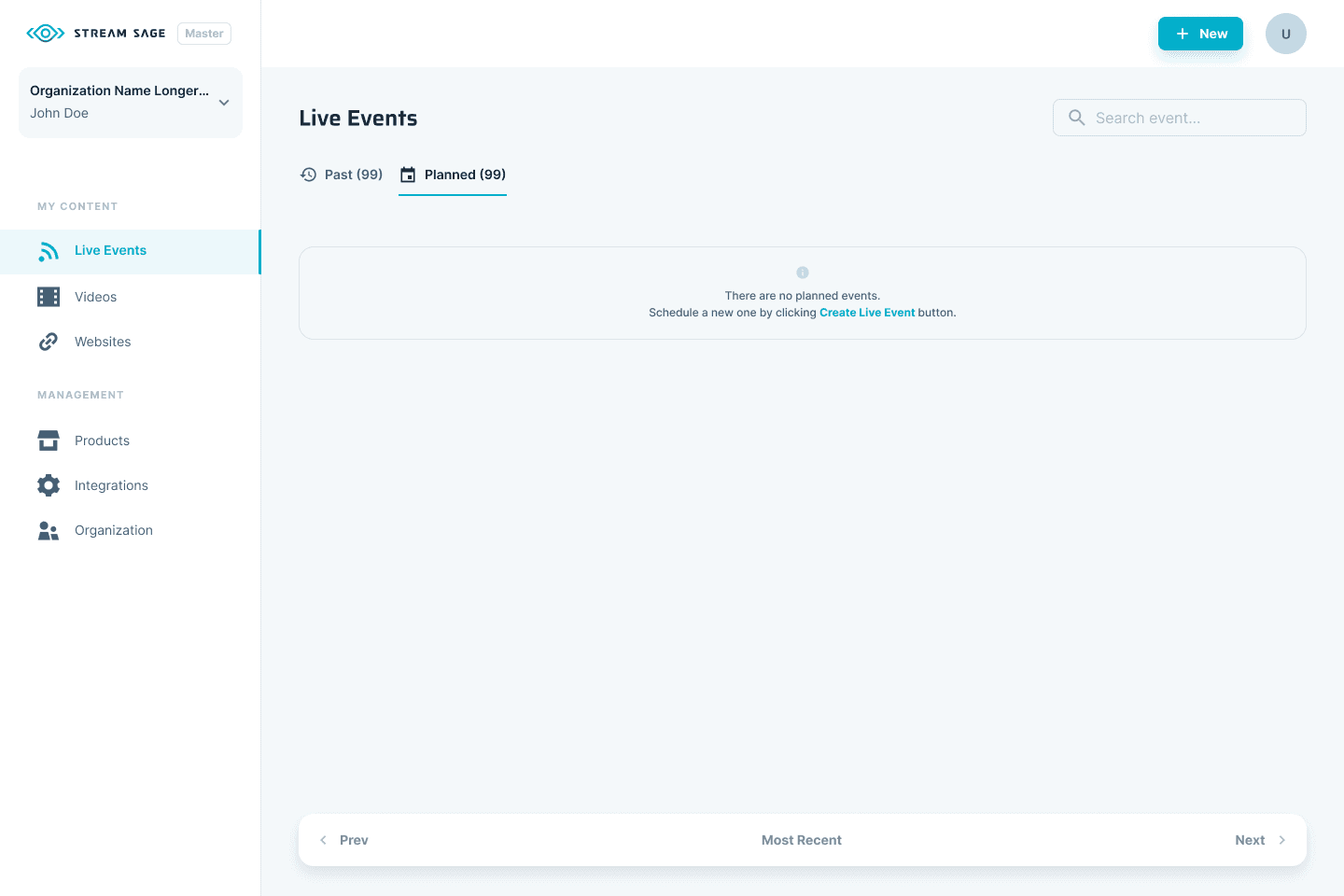
In line with the principle of avoiding leaving the user with a blank page, we have improved the welcome screen with two sections: “Need help” and “Tutorials” to make it easier for the user to take the first steps.